How to Watch Every FIFA World Cup Kickoff Without Waking the House
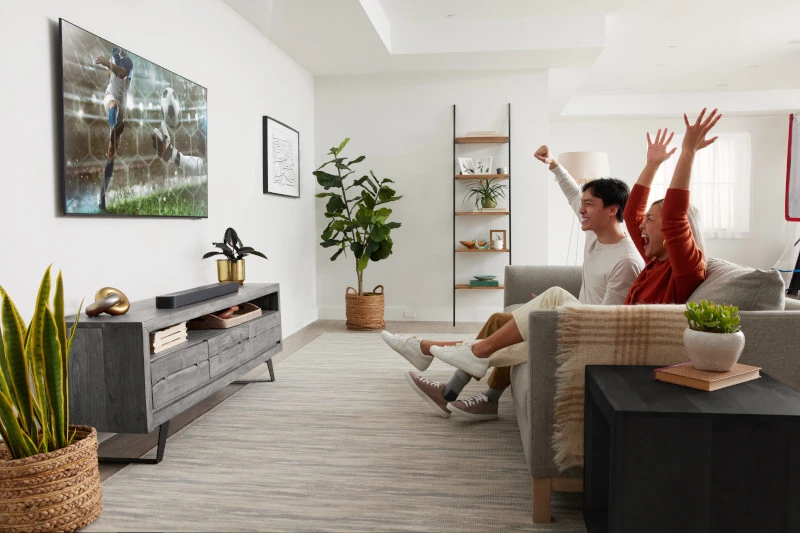
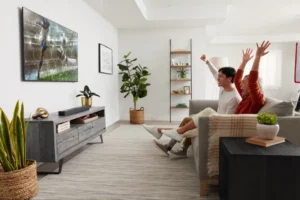
There's nothing like a World Cup night. The catch? For football fans in Indonesia, the biggest matches of the FIFA World Cup 2026 kick off long after the rest of the house has gone to sleep. Turning the volume up isn't an option. Missing the action isn't either.
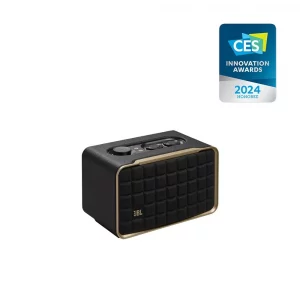
If you're wondering how to watch the FIFA World Cup 2026 without waking a soul, a JBL soundbar and a few smart settings can turn your living room into a personal stadium that only you can hear.
Turn Your JBL Soundbar Into a Personal Stadium
It all comes down to one setting: night mode. So what is night mode on a soundbar, exactly? In short, it reins in the big, room-filling output and keeps the sound close and controlled.
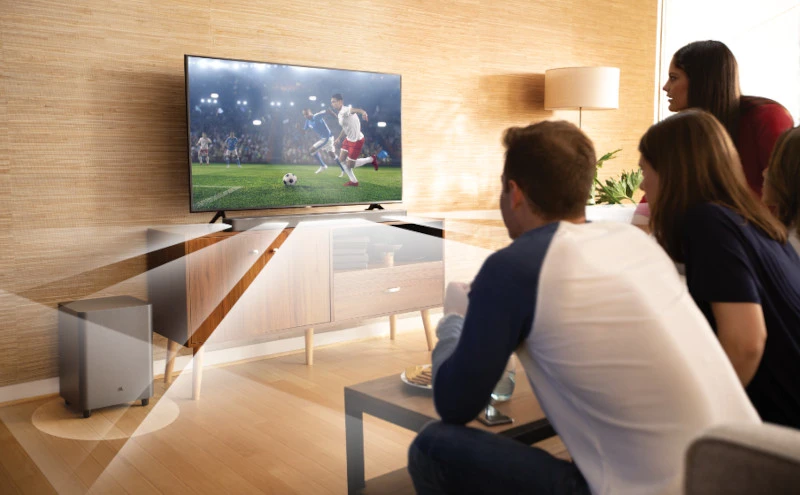
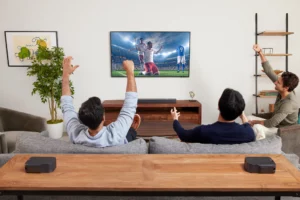
Here's how to put it to work for the match. Open the JBL One App, switch on Night Listening Mode, then detach the rear speakers from their surround positions and place them right beside you, on a side table or armrest.
The app mutes the main soundbar and subwoofer, routing all audio to the compact speakers at your side. The effect is uncanny: a full, immersive match-day soundscape playing inches from your ears, while the rest of the house hears nothing at all. This night mode setup creates the best home theatre experience, and it takes about a minute.
Keep the Commentary Crystal Clear
A personal stadium is only as good as the voice calling the action. Two quick settings keep every word sharp, even at whisper-level volume.
First, switch Smart Mode to Vocal Clarity in the JBL One App. The default mode balances the entire soundscape, which is perfect for films. For a live match, commentary is everything, and Vocal Clarity pushes the voices forward so every call and every burst of analysis cuts through.
Then toggle on PureVoice 2.0. At low volume, speech detail is the first thing to disappear. PureVoice 2.0 uses AI to hold it together, keeping the commentary crisp from the first whistle to the last. Switch it on before kick-off and forget about it.
Want Total Silence? Take It Wireless
When the match runs into extra time, and even a whisper feels too loud, there's only one move: go fully wireless.
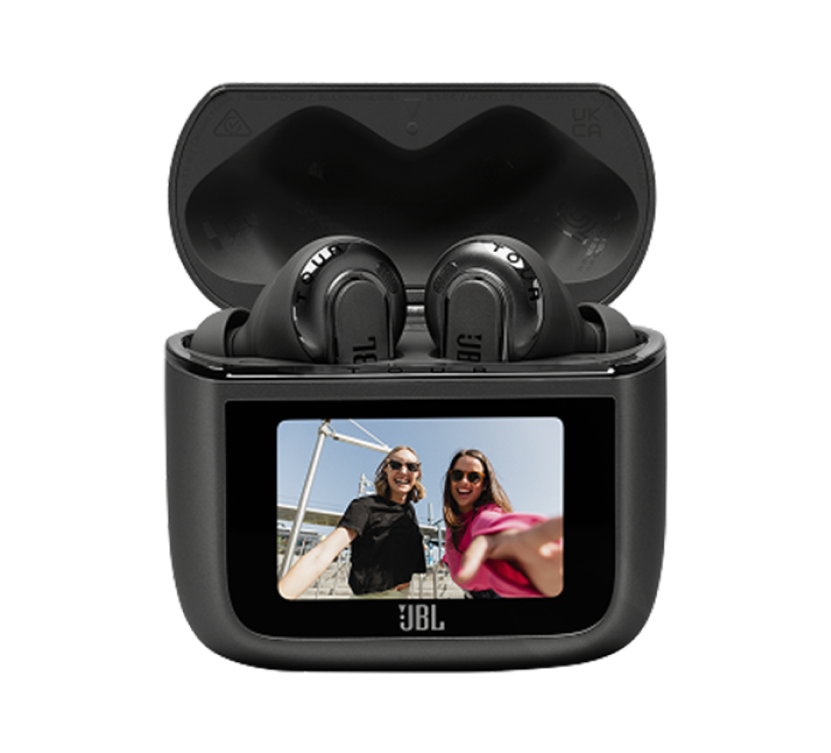
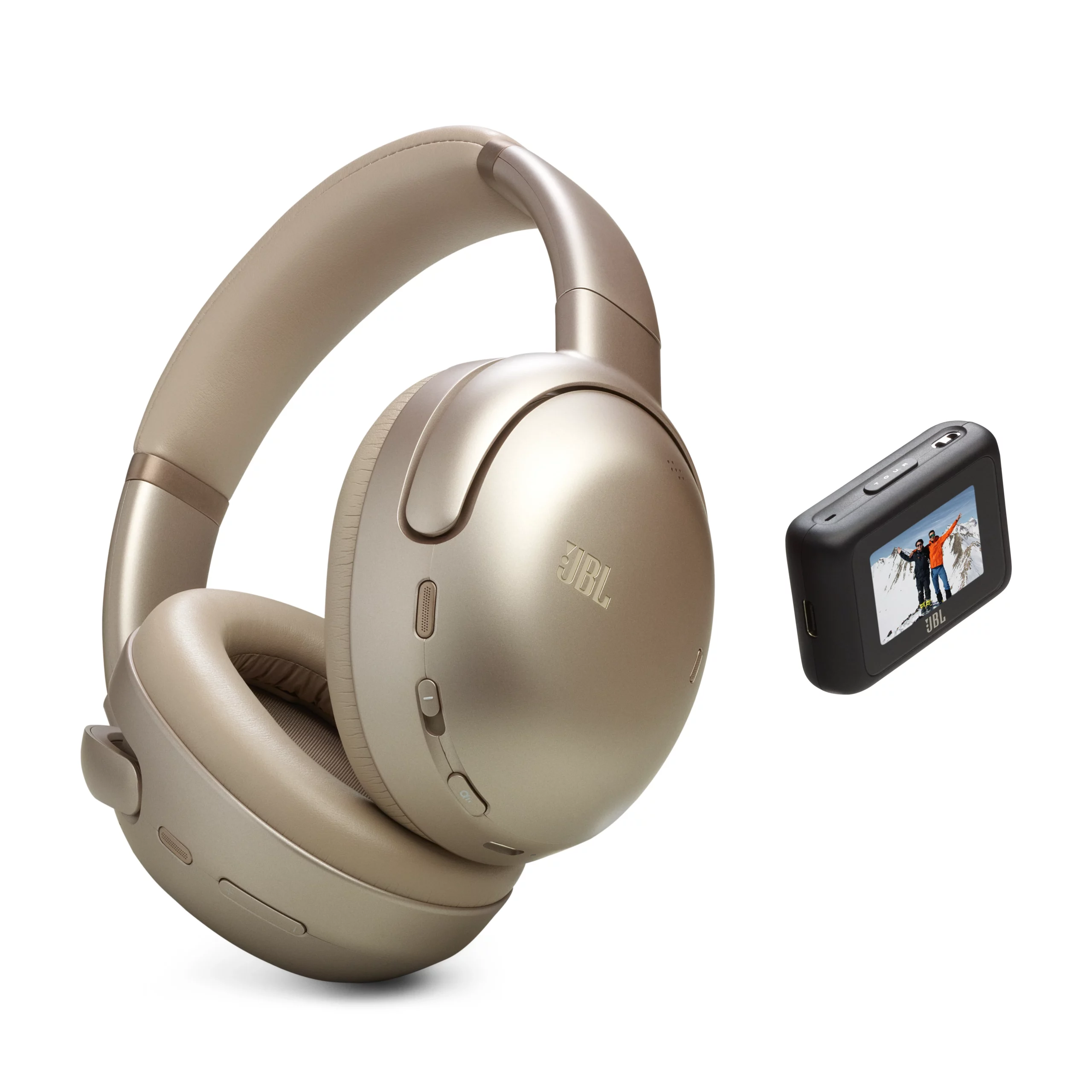
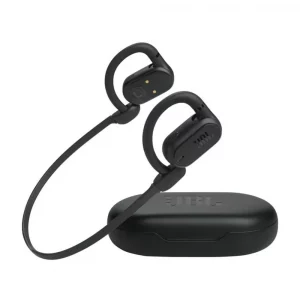
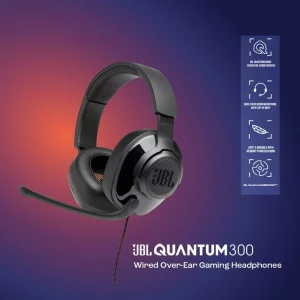
Pair a set of JBL headphones like the JBL Tour Pro 3 or JBL Tour One M3 Smart Tx with your soundbar using the Audio Transmitter for Auracast. The match streams straight into your ears, the soundbar falls completely silent, and the room stays as quiet as if the TV were off.
Plus, Auracast lets more than one person tune into the same stream at once. If someone else in the house is just as invested, they can simply connect their own compatible earbuds or headphones to join in. You're both in the match. Nobody else even knows it's on.
JBL Tour One M3 Smart TX
You've Got the Audio. Now, Go Get the Win.
One last tip: set it all up before the house goes to sleep. Save your Night Listening Mode preset, position your rear speakers, and pre-pair your earbuds, so when the late kickoff lands, you're one tap away from full immersion. The late-night match isn't the enemy, but an unprepared setup is.
Get it dialled in and experience every moment the way it deserves to be heard. Explore the full JBL soundbar range and some of the best home audio at the JBL Online Store.
Produk Terkait
Artikel Terbaru