

Sound That Gives You an Edge: Your JBL QuantumENGINE Set Up Guide
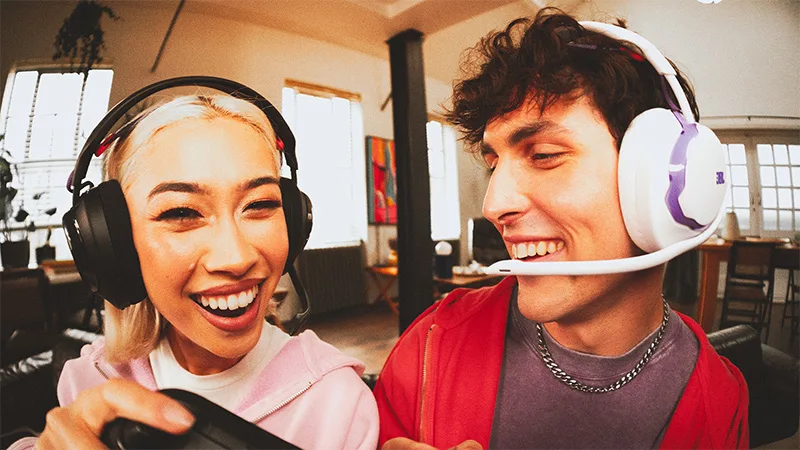
Gaming peripherals rarely reach their full potential straight out of the box. And for JBL Quantum gaming headsets, that extra layer lies in the JBL QuantumENGINE.
With spatial tracking, AI-powered noise filtering, and custom EQ profiles built for every game genre, this is the software that’ll turn a capable headset into a fully personalised audio system.
Getting your JBL QuantumENGINE set up takes just a few minutes, and the difference it makes to your game is immediate.
What Is JBL QuantumENGINE?
JBL QuantumENGINE is the official companion app for JBL Quantum gaming headsets, available on PC, Mac, iOS, and Android. With it, you can leverage features that your headset was built for:
- QuantumSPHERE 360: Head-tracking technology that locks sounds in a 360-degree space as you move.
- AI-Powered Communication: An AI microphone filter that eliminates mechanical keyboard clicks so your squad only hears your callouts.
- Game-Centric Smart EQ Presets: Professionally tuned presets matched to different game genres.
- Real-Time Sound Visualiser: A live display showing where sound originates across every channel, so threats become visible, not just audible.
- Custom Drag-and-Drop Dashboard: Organise user profiles and audio customisations however suits your setup.
How to Download and Install JBL QuantumENGINE
1. Download the App
Head to the official JBL QuantumENGINE download page, select your platform, and grab the latest 2026 build.
This version has been optimised to reduce CPU load, so your system stays focused on the game rather than juggling background processes while you play.
2. Connect Your Headset
Once the JBL QuantumENGINE installation is complete, plug in or pair your headset.
For best results, use the fastest connection your model supports, such as the 2.4GHz wireless on the JBL Quantum 950 or the wired USB connection on the JBL Quantum 250.
A stable connection keeps everything talking to each other the way it should, with minimal latency across all QuantumENGINE features.
3. Complete the Firmware Check
With your headset connected and detected by your operating system, JBL QuantumENGINE will automatically run a firmware check and download any available updates.
These keep the software’s 3D audio algorithms current with the latest game releases, so it’s worth letting the process finish before jumping into a session.
Get Personal with Personi-Fi 3.0
Once you’re set up, spend a few rewarding minutes with Personi-Fi 3.0.
While generic EQ settings work well enough, they’re not calibrated to how you hear. After all, no two pairs of ears hear quite the same way.
Personi-Fi 3.0 solves this by building an audio profile specific to your individual hearing thresholds. Set up on the JBL Headphones app, the calibration runs through four stages:
- Environmental Calibration: This scan checks that your room is quiet enough for an accurate reading, so you’ll want to find a moment away from the ceiling fan and your neighbour's playlist for this.
- 18-Tone Frequency Sweep: 18 test tones play across different frequencies, with nine for your left ear and nine for your right.
- Threshold Mapping: As each tone plays, click the moment you can just barely hear it.
- Custom EQ Profile Generation: From your responses, the algorithm maps your personal hearing curve and generates a custom profile, boosting the frequencies your ears naturally miss and balancing the ones you already hear clearly.
The Final Stretch: 3 Settings to Switch On Immediately
With JBL QuantumENGINE set up, and Personi-Fi 3.0 calibrated, here are three more adjustments worth making before you queue for your first match:
- Activate QuantumSPHERE 360: This anchors your audio position in 3D space as you move, so every footstep, gunshot, and callout stays locked to its real in-game direction. On tactical and open-world titles, this accuracy is the difference between a clean flank and a very avoidable death screen.
- Enable AI Noise Reduction for Your Mic: Strip mechanical keyboard clicks from your microphone feed so your team hears your callouts and not your typing habits.
- Set Your Side-Tone Level: This feature lets you hear your own voice subtly through the headset during play, keeping your volume naturally in check and saving you from a neighbour’s noise complaint at 3am.
Advanced Light Customisation
Your headset's lighting is fully yours to control. Choose from a range of colours and effects to match your setup or your mood, and take it further by adding keyframes to create custom animated sequences that move exactly the way you want.
Find Your Compatible JBL Gaming Headset
Not sure if your headset makes the cut? Here are the current models from our JBL gaming lineup that are supported by JBL QuantumENGINE:
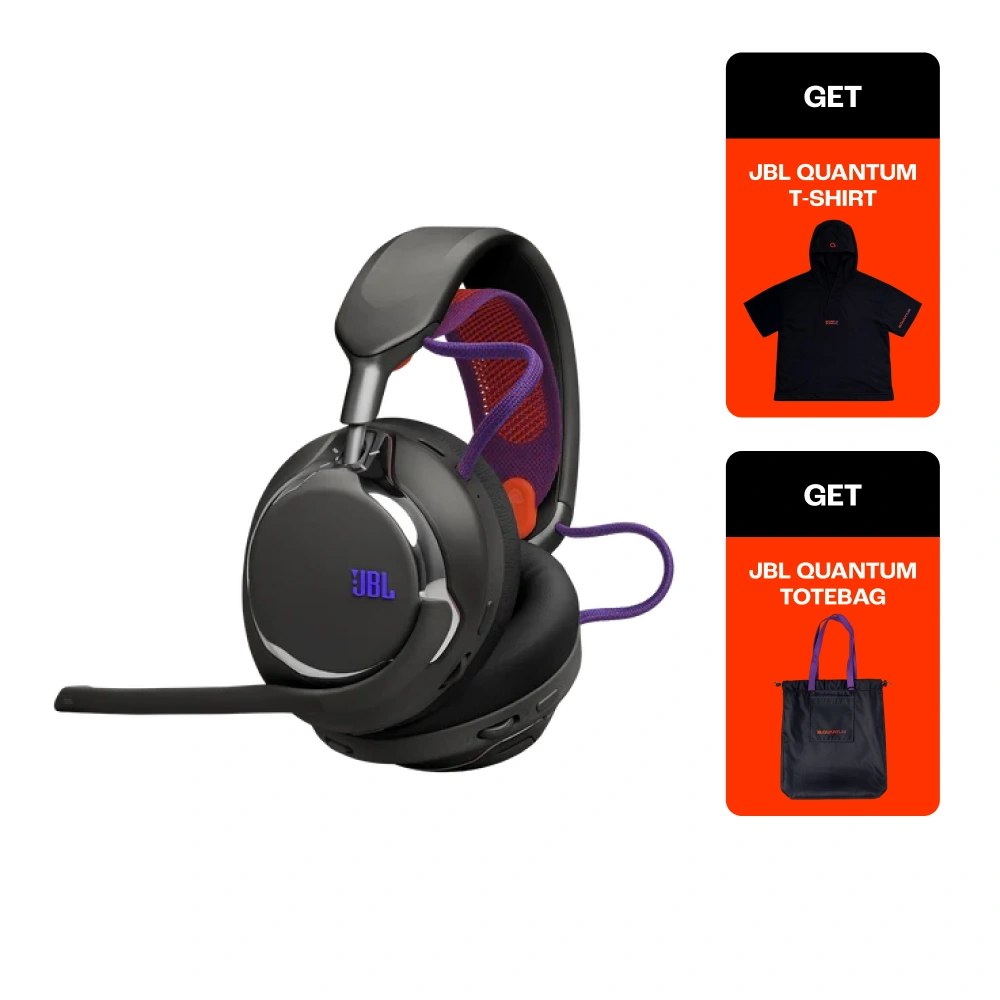
JBL Quantum 950
The flagship JBL Quantum 950 supports every JBL QuantumENGINE feature, including QuantumSPHERE 360, adaptive noise cancelling, and a hot-swappable dual battery system built for sessions that run longer than you planned.
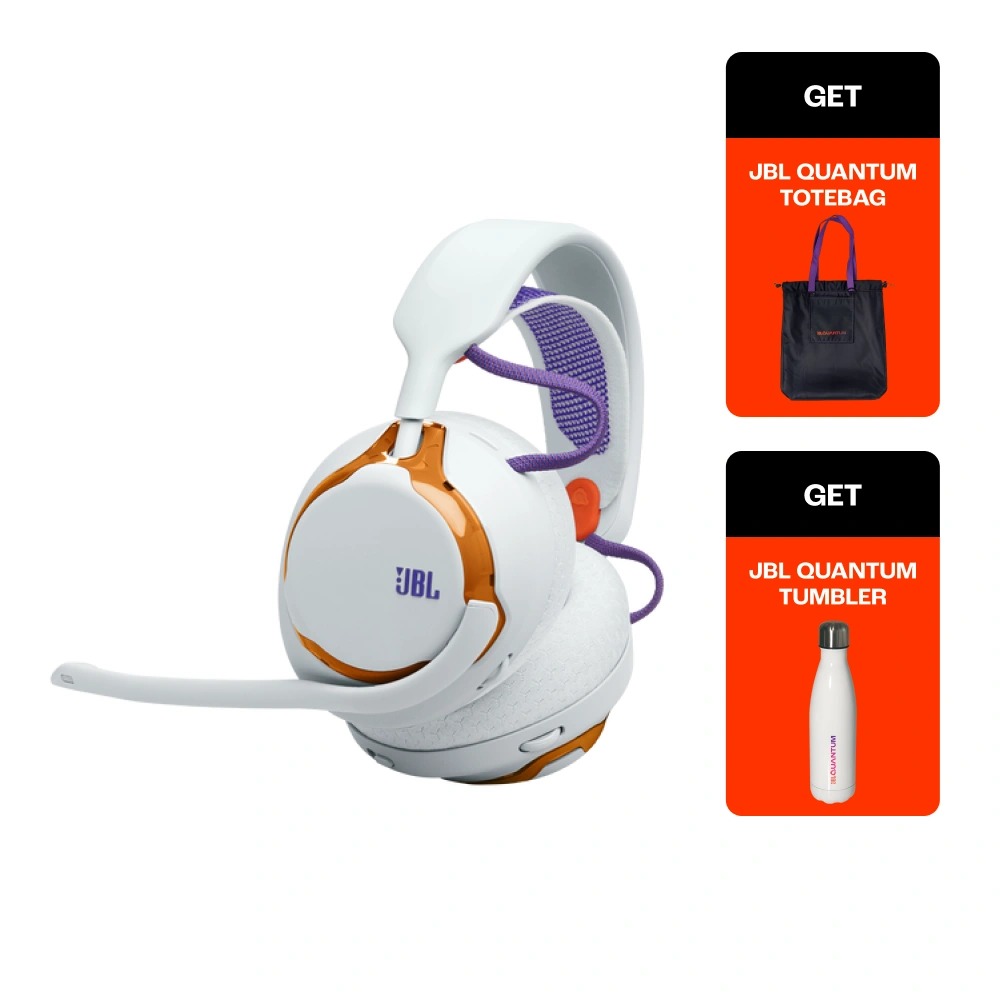
JBL Quantum 650
The JBL Quantum 650 is where wireless freedom meets serious audio hardware. Its 50mm carbon dynamic drivers deliver a level of spatial detail that makes QuantumENGINE's features feel genuinely transformative, particularly on cinematic titles where every environmental cue counts.
JBL Quantum 650
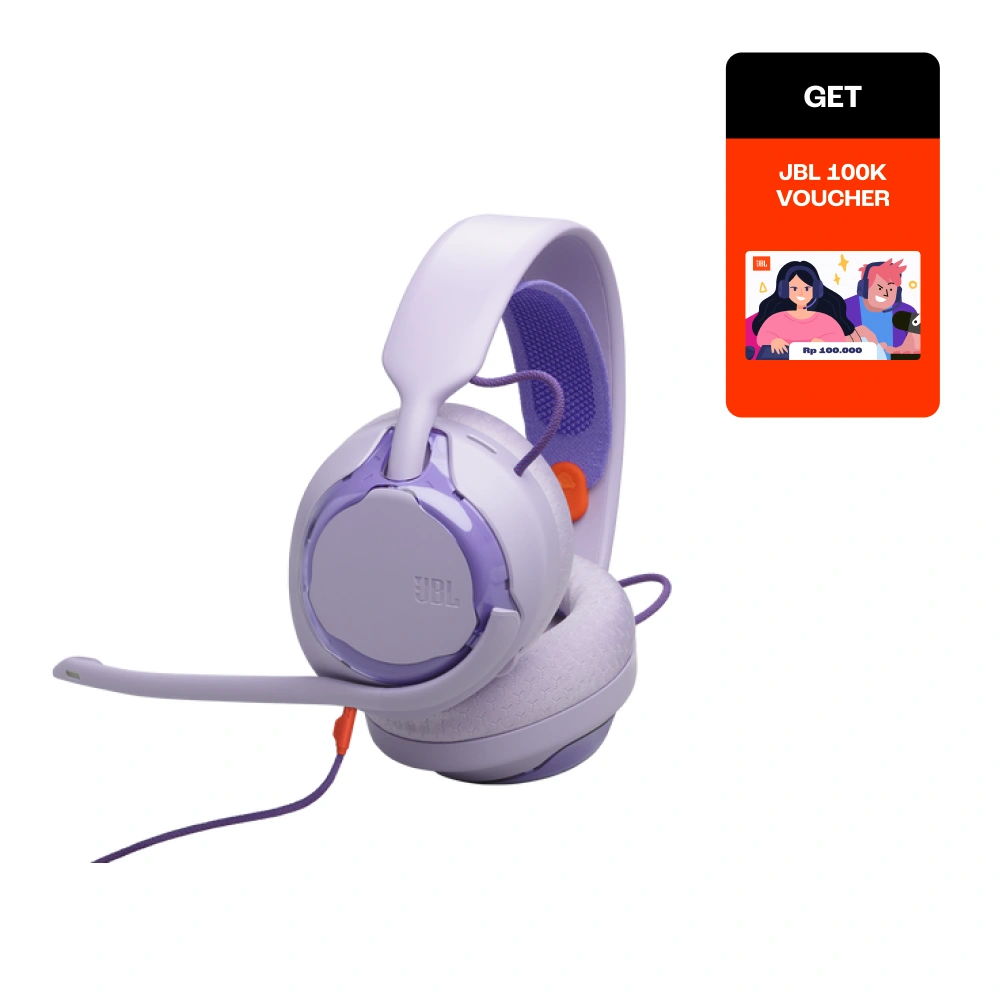
JBL Quantum 250
Wired, plug-and-play, and deceptively capable. The JBL Quantum 250 gives you the full JBL QuantumENGINE feature set from the moment it's connected, with deep EQ customisation, user profiles, and real-time audio controls that punch well above its entry-level price point.
JBL Quantum 250
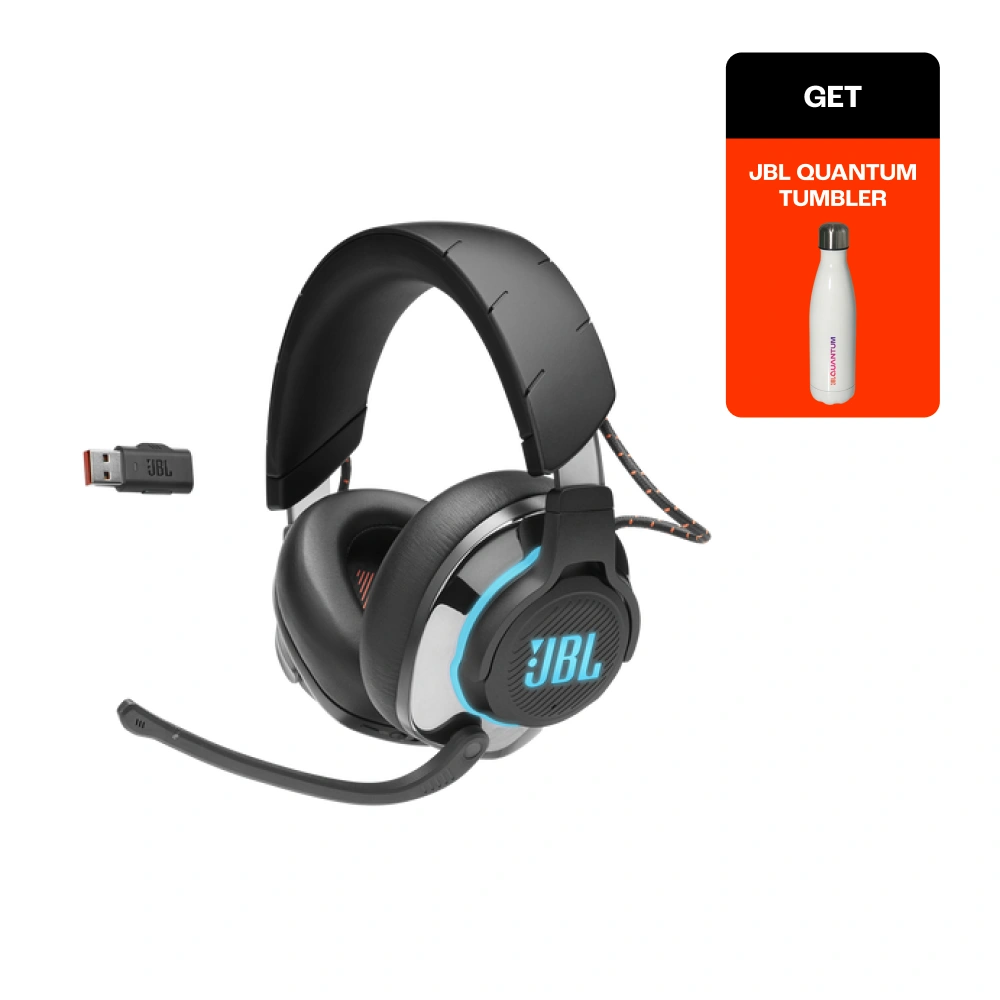
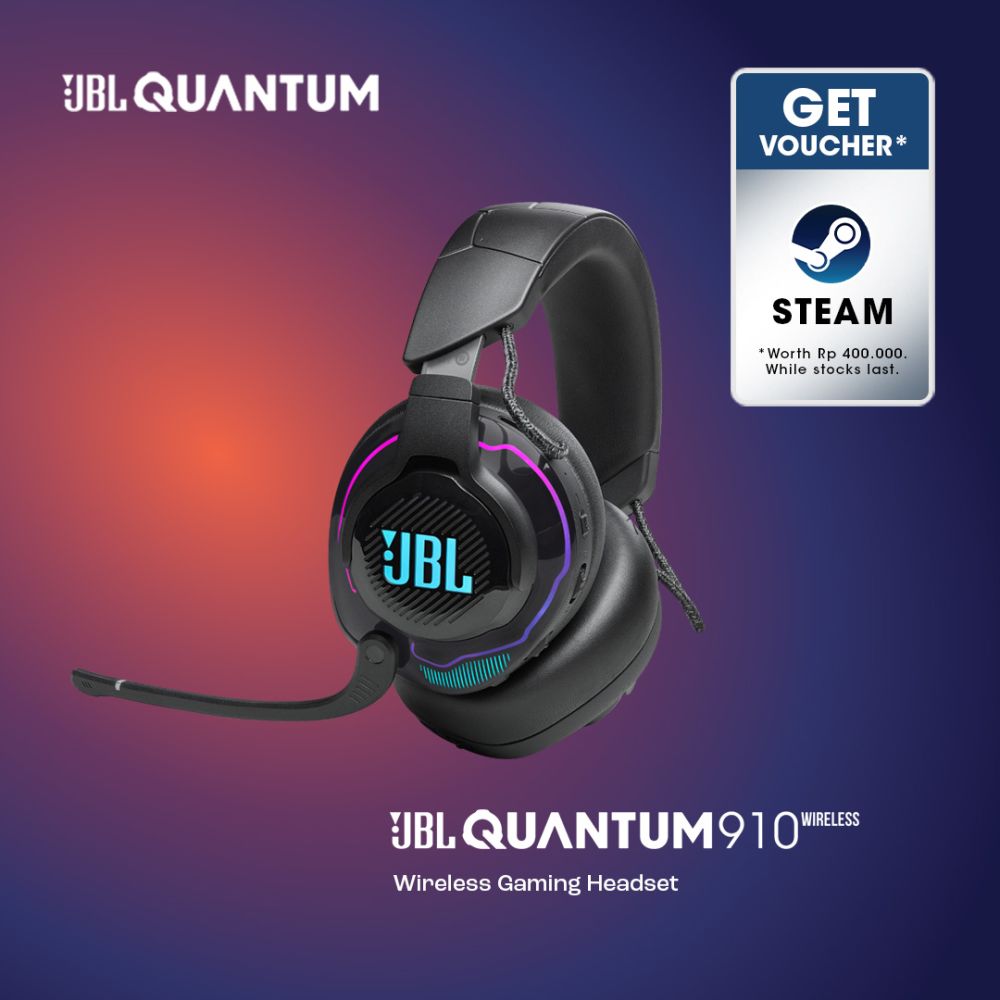
Running an older model? You’re still in the game. QuantumENGINE also supports legacy headsets, including the JBL Quantum 810 and JBL Quantum 910, both with access to the 2026 AI software updates.
JBL Quantum 910
Your Sound, Your Edge
Don’t be the gamer who spends hours tweaking their settings and gear, but never gets around to setting up the software that ties it all together. Once JBL QuantumENGINE is set up and calibrated to your hearing, you’ll be playing with every sound landing exactly where it should.
It’s free to download and immediately noticeable. So, head to the official JBL QuantumENGINE page to get started!
Produk Terkait
Artikel Terbaru